After deploying AKS KAITO Retrieval Augmented Generation (RAG) Engine withe an embeddings model, I tested with many curl commands to index, update and query documents.
I created a command line tool to help manage the documents easily. So when you have a large corpus of text documents and files, you can run this CLI tool in a script to automate large library of files.
ragengine-ingest-docs.py is a command-line tool that helps you:- ingest local text/markdown documents into a RagEngine index,
- update existing indexed documents,
- list and inspect indexed chunks + metadata,
- run chat/query requests against the index via OpenAI-compatible APIs.
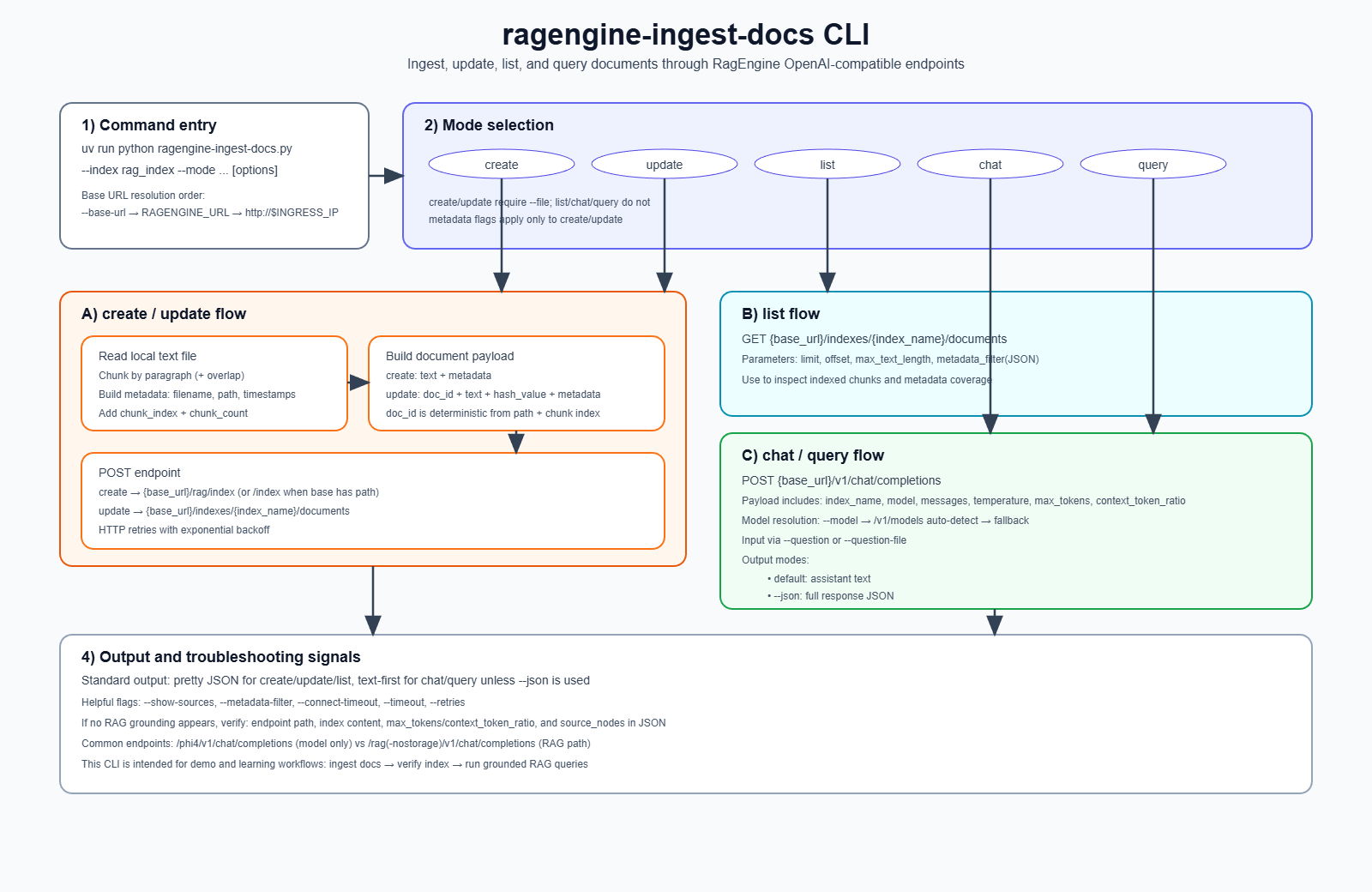
This is ideal for demos, workshops, and troubleshooting sessions where you want to show exactly how data gets into the ragengine vector index and how grounded answers are produced.
Why this tool exists
This ragengine-ingest-docs CLI allows engineers to learn and validate each stage:
- Document processing – chunking, metadata
- Indexing API calls
- Retrieval behavior – source_nodes, retrieved doc chunks
- Generation behavior based on temperature, max_tokens, context_token_ratio values
This CLI tool is based on the documentation – KAITO RAG Engine – API Definitions and Examples.
The tool supports five modes:
createCreate index + add docs (POST /rag/index)update→ Update docs in existing index (POST /indexes/{index}/documents)list→ List indexed docs/chunks (GET /indexes/{index}/documents)chat/query→ Ask grounded questions (POST /v1/chat/completions)
Quick start and test commands
PREREQUSITE: Install KAITO onto your AKS cluster and deploy KAITO workspace and KAITO Ragengine and expose with nginx controller or gateway API.
From this folder: https://github.com/RoyKimYYZ/aks-demos/tree/main/aks-kaito/ragengine-ingest-docs
cd aks-kaito/ragengine-ingest-docsuv sync
Set endpoint (example):
export RAGENGINE_URL="http://<INGRESS_IP>/rag-nostorage"
1) Create index and ingest a document
uv run python ragengine-ingest-docs.py \ --file ./docs/fantasia-citizen-laws.md \ --index rag_index \ --mode create \ --metadata subject=law
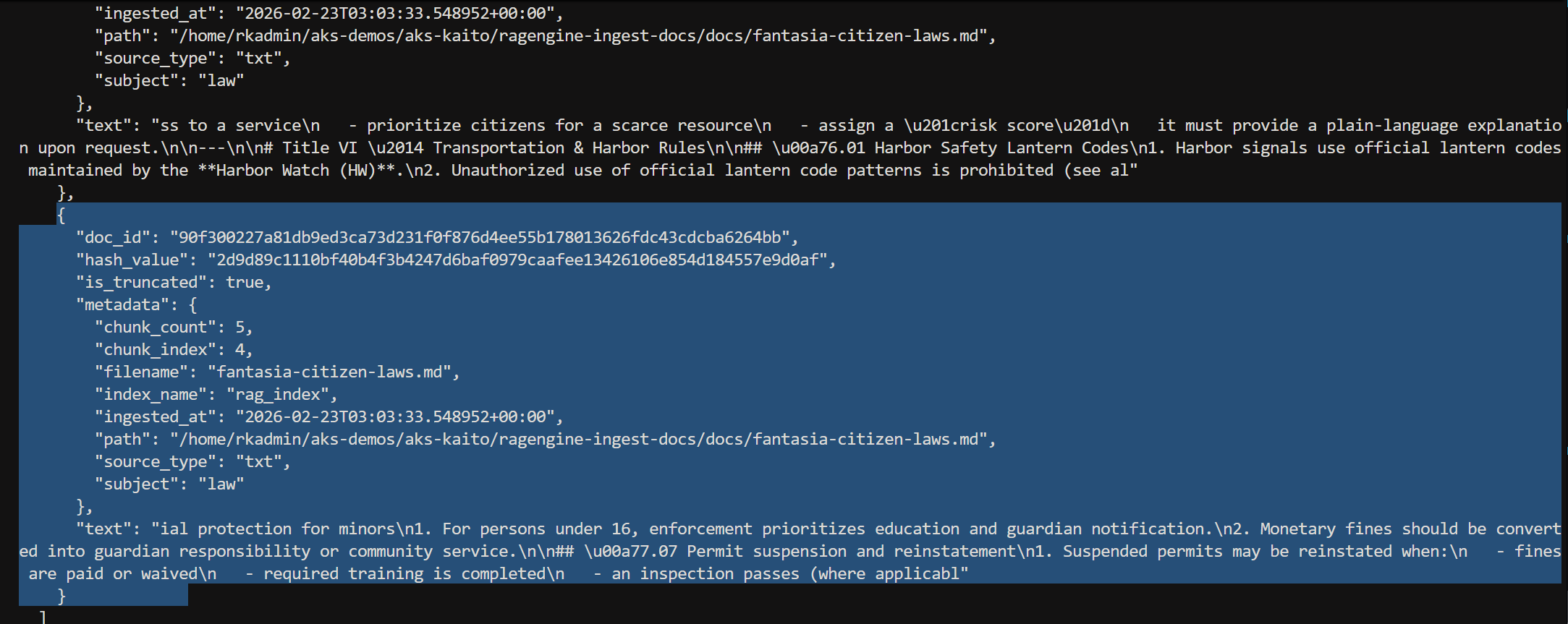
Partial console output of above script showing one of a few of the chunked texts ingested.
2) List indexed chunks
uv run python ragengine-ingest-docs.py \ --index rag_index \ --mode list \ --limit 10 \ --offset 0 \ --max-text-length 400
Partial tail output showing to listed chunks.
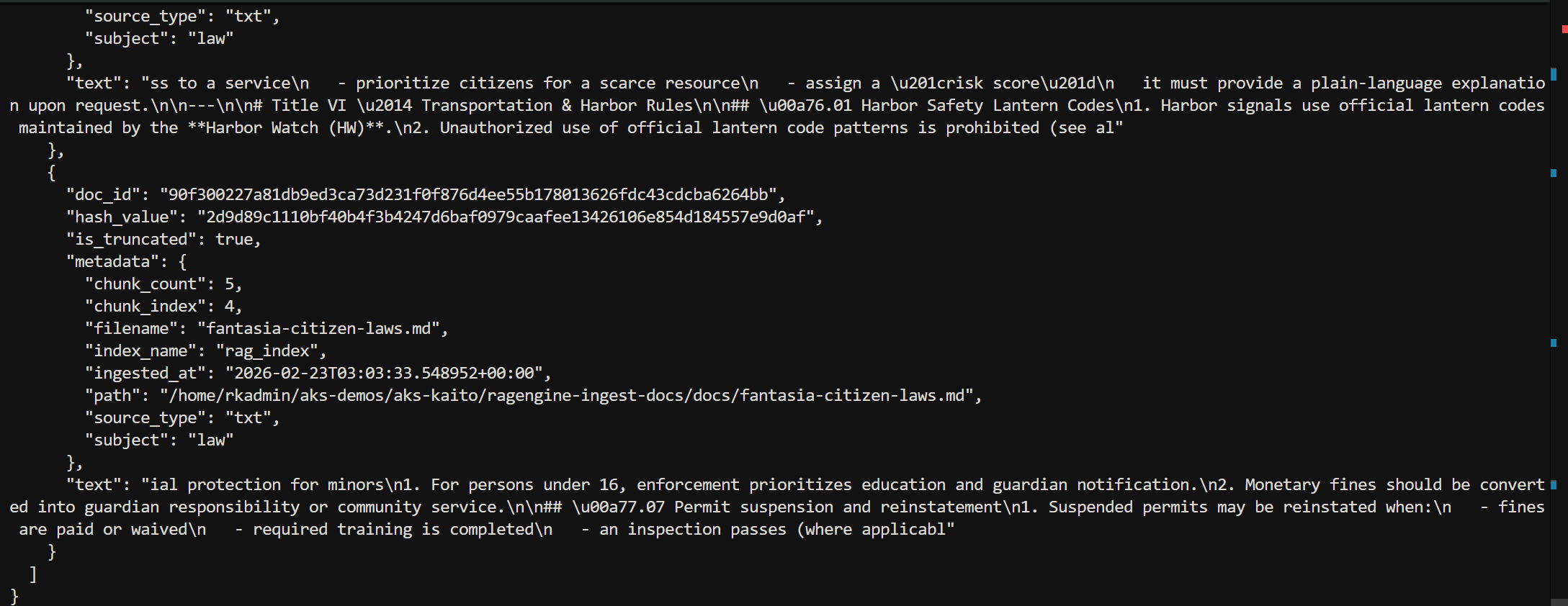
3) Filter by metadata filename
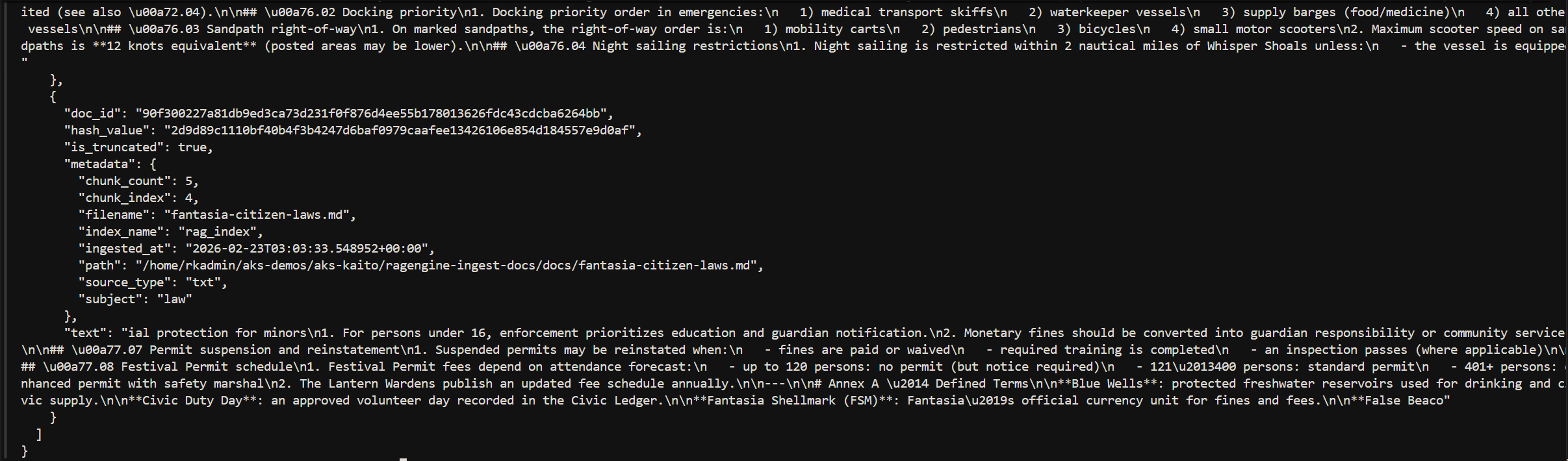
uv run python ragengine-ingest-docs.py \ --index rag_index \ --mode list \ --metadata-filter '{"filename":"fantasia-citizen-laws.md"}'
Partial tail output.
4) Ask a RAG question
uv run python ragengine-ingest-docs.py \ --index rag_index \ --mode chat \ --question "What is the Fantasia Citizen Code (FCC)?" \ --model phi-4-mini-instruct \ --show-sources
output.

5) Debug with full JSON response
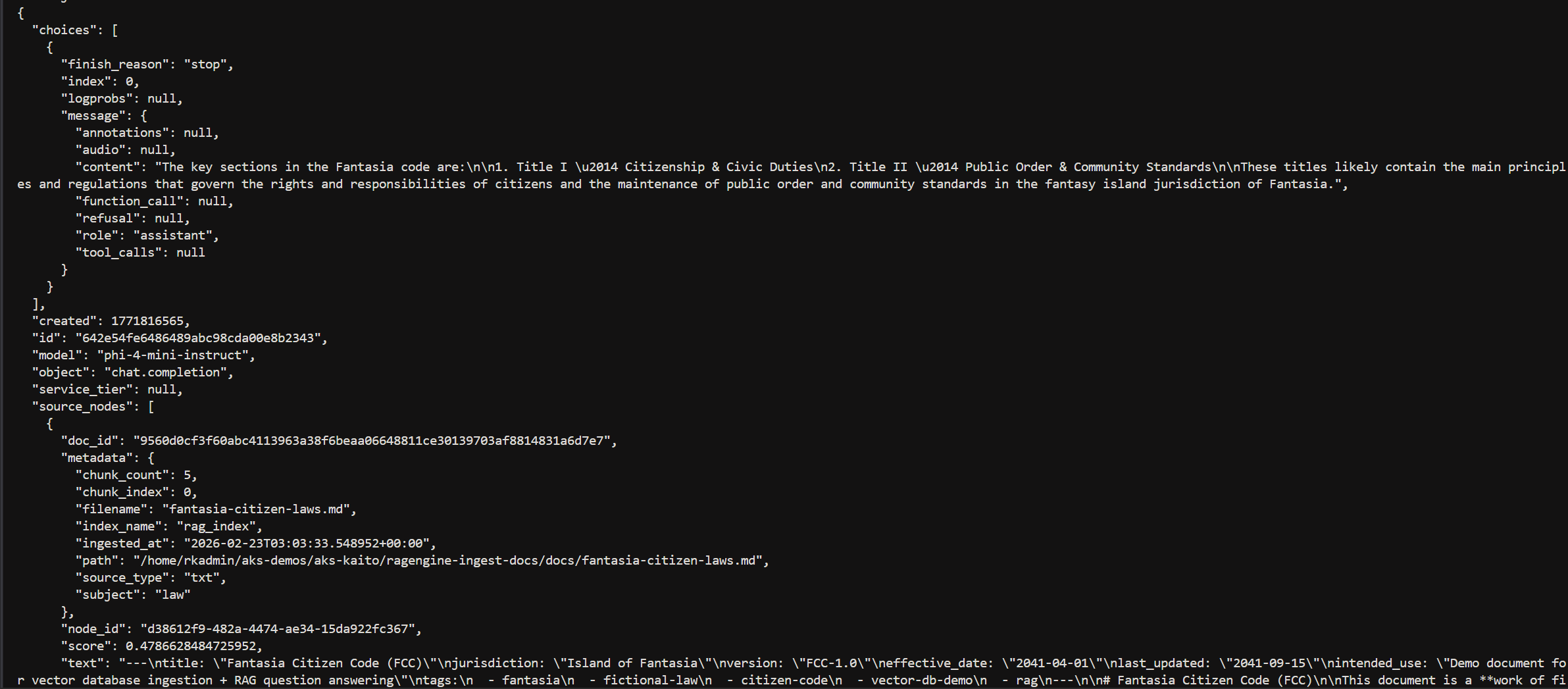
uv run python ragengine-ingest-docs.py \ --index rag_index \ --mode chat \ --question "What are the key sections in the Fantasia code?" \ --model phi-4-mini-instruct \ --json
Partial output.
Conclusion
Overall, this CLI makes it much easier to work with the KAITO RAG Engine by turning complex API calls into simple, repeatable commands. It’s a practical tool for demos, workshops, and debugging, and helps you clearly see how documents are indexed, retrieved, and used to generate grounded answers.
 Roy Kim on Azure and AI