
Now that I have fine-tuned a model in Part 2, next is to deploy the fine tuned model into a new Kaito workspace.
This blog post is part of a series.
Part 1: Intro and overview of the KAITO fine-tuning workspace yaml
Part 2: Executing the Training Kubernetes Training Job
Part 3: Deploying the Fine-Tuned Model
Part 4: Evaluating the Fine-Tuned Model
The workspace yaml I will use can be found here https://github.com/kaito-project/kaito/blob/main/examples/inference/kaito_workspace_phi_3_with_adapters.yaml
All I need to is update the image and imagePullSecrets referring to my azure container registry.
apiVersion: kaito.sh/v1alpha1
kind: Workspace
metadata:
  name: workspace-phi-3-mini-adapter
  #namespace: default
resource:
  instanceType: "Standard_NC8as_T4_v3"
  labelSelector:
    matchLabels:
      apps: phi-3-adapter
inference:
  preset:
    name: phi-3-mini-128k-instruct
  adapters:
    - source:
        name: "phi-3-adapter"
        image: "rkimacr.azurecr.io/finetunedph3:0.0.1"
        imagePullSecrets:
          - acr-secret
      strength: "1.0"
The image is referencing to my container registry. The image pushed as the output from successfuly running the fine-tuning job (as shown in my previous post).
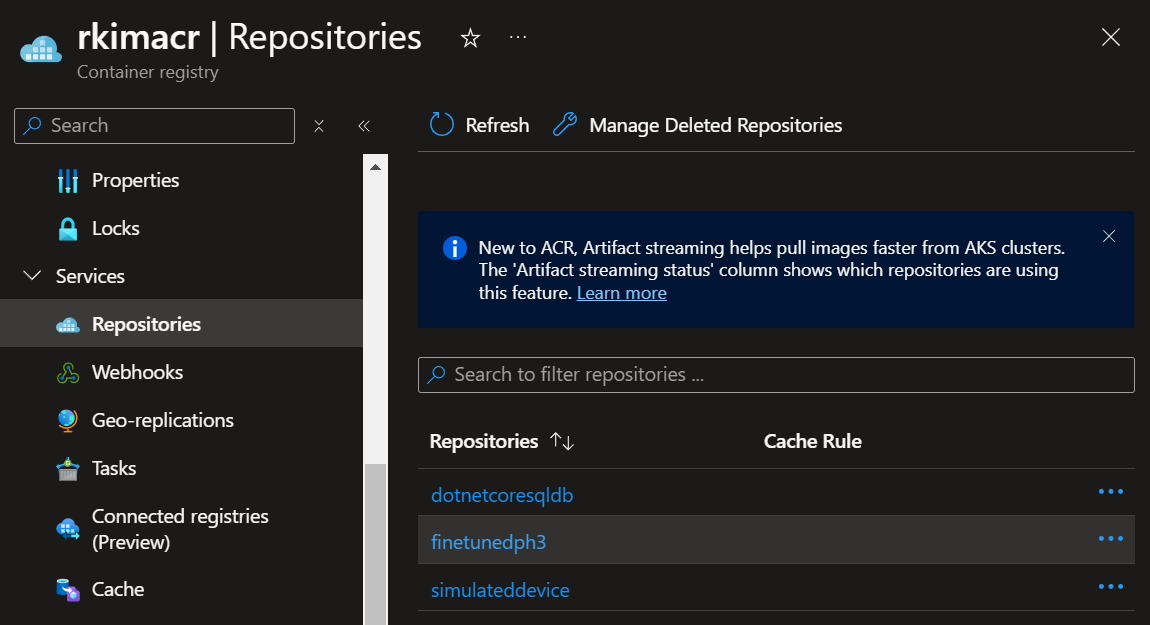
The instance type VM Size is Standard_NC8as_T4_v3. This a smaller and cheaper than what was used to fine-tune the large language model.
vCPUs: 8 x64
Memory (GiB): 56
GPUs: 1
GPU Name: NVIDIA: T4
GPU RAM (GiB): 16
You can read more about this VM series at https://learn.microsoft.com/en-us/azure/virtual-machines/sizes/gpu-accelerated/ncast4v3-series
Adaptors
The phi-3-adapter refers to a small module or a set of layers added to a pre-trained model to fine-tune it for a specific task without altering the entire model. This concept is known as Adapter Layers.
Adapter Layers are typically small trainable components inserted into a pre-existing model architecture. They allow for efficient transfer learning by only training these components while keeping the rest of the model weights frozen.
During training, the main parameters of the base model are frozen, and only the parameters of the adapters are updated. This trains the model to specialize in the new task using minimal additional parameters. During inference, the appropriate set of adapters for the task at hand is activated, providing customized model behavior based on the learned task-specific nuances.
You can read further at https://magazine.sebastianraschka.com/p/finetuning-llms-with-adapters
The strength field specifies the multiplier applied to the adapter weights relative to the raw model weights. I have it valued at “1.0”. It is usually a float number between 0 and 1.
Let’s execute.
$ kubectl apply -f kaito_workspace_phi_3_with_adapters.yaml

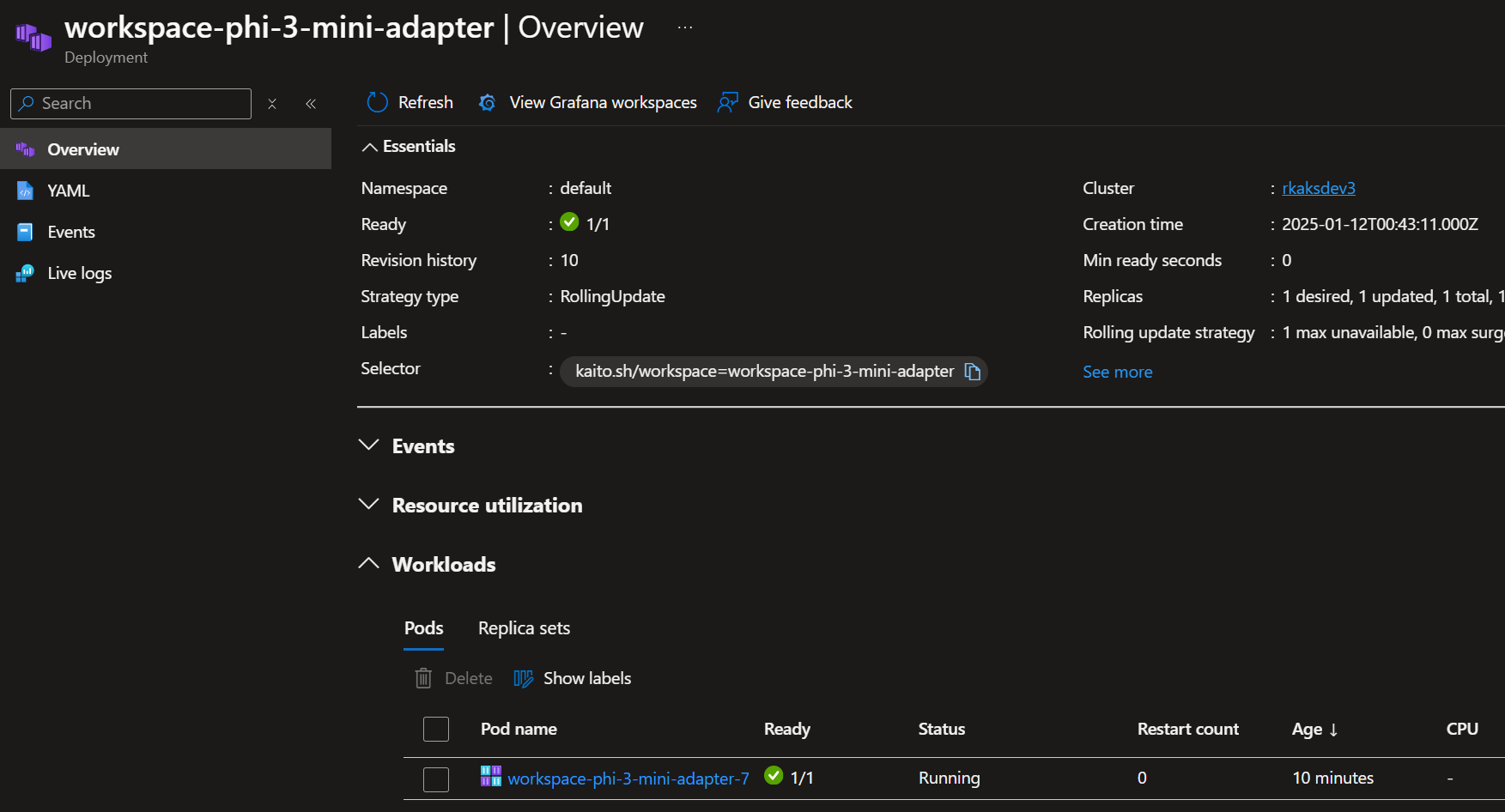
The workspace is made ready after several minutes.
Up and running as shown through Azure Portal
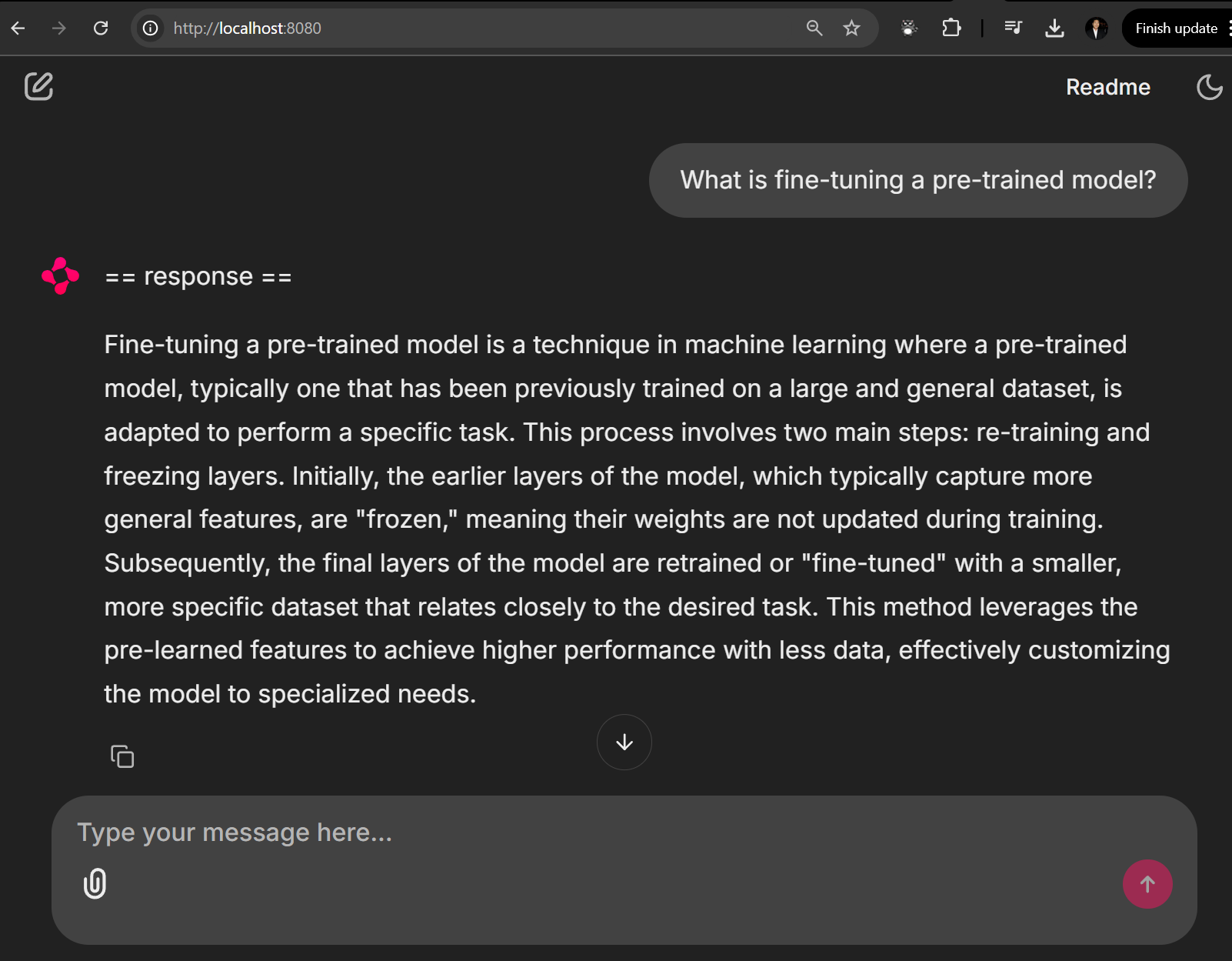
To test the deployed model, I have setup Chainlit chat bot such that it points to the API of this service.
In the next and final post Part 4, I will go through a set of prompts to evaluate and compare between the original pretrained Phi 3 model and the fine tuned model that I just deployed.
Resources
 Roy Kim on Azure and AI
Pingback: Deep Dive Into Fine-Tuning An LM Using KAITO on AKS – Part 1: Intro – Roy Kim on Azure and Microsoft 365
Pingback: Deep Dive Into Fine-Tuning An LM Using KAITO on AKS – Part 2: Execution – Roy Kim on Azure and Microsoft 365
Pingback: Deep Dive Into Fine-Tuning An LM Using KAITO on AKS – Part 4: Evaluation – Roy Kim on Azure and Microsoft 365
Pingback: Deep Dive Into Fine-Tuning An LM Using KAITO on AKS – Part 4: Evaluation – Roy Kim on Azure and AI