I like to share in hoping to have helped the small minority that couldn’t get kubelogin setup properly with the struggles that I have been having.
My desktop environment
- WSL on Windows 10
- Ubuntu 20.04
Here’s my error
~/linux-scripts $ kubelogin convert-kubeconfig
error: unknown command “convert-kubeconfig” for “kubelogin”

I should have paid attention that the kubelogin I downloaded didn’t have the subcommand convert-kubeconfig. The following help doc shows that the convert-kubeconfig is missing.

What lead me to this version of kubelogin was encountering the following instructions from some blog/article.
VERSION=$(curl --silent "https://api.github.com/repos/int128/kubelogin/releases/latest" | grep '"tag_name":' | sed -E 's/.*"([^"]+)".*/\1/')
curl -LO "https://github.com/int128/kubelogin/releases/download/$VERSION/kubelogin_linux_amd64.zip"
unzip kubelogin_linux_amd64.zip
chmod +x kubelogin
export PATH=$PATH:"/usr/local/bin"
The authoritative source for kubelogin is https://azure.github.io/kubelogin/install.html, but I’ll give the easy concise steps for WSL Ubuntu 20.04.
First ensure you have installed the latest of azure cli and kubectl.
In order to install kubelogin, I find that you have to git clone asdf and run the asdf bash script. There is no package manager that I am aware of to install this.
$ git clone https://github.com/asdf-vm/asdf.git ~/.asdf --branch v0.14.0
Test the cmd
$ asdf 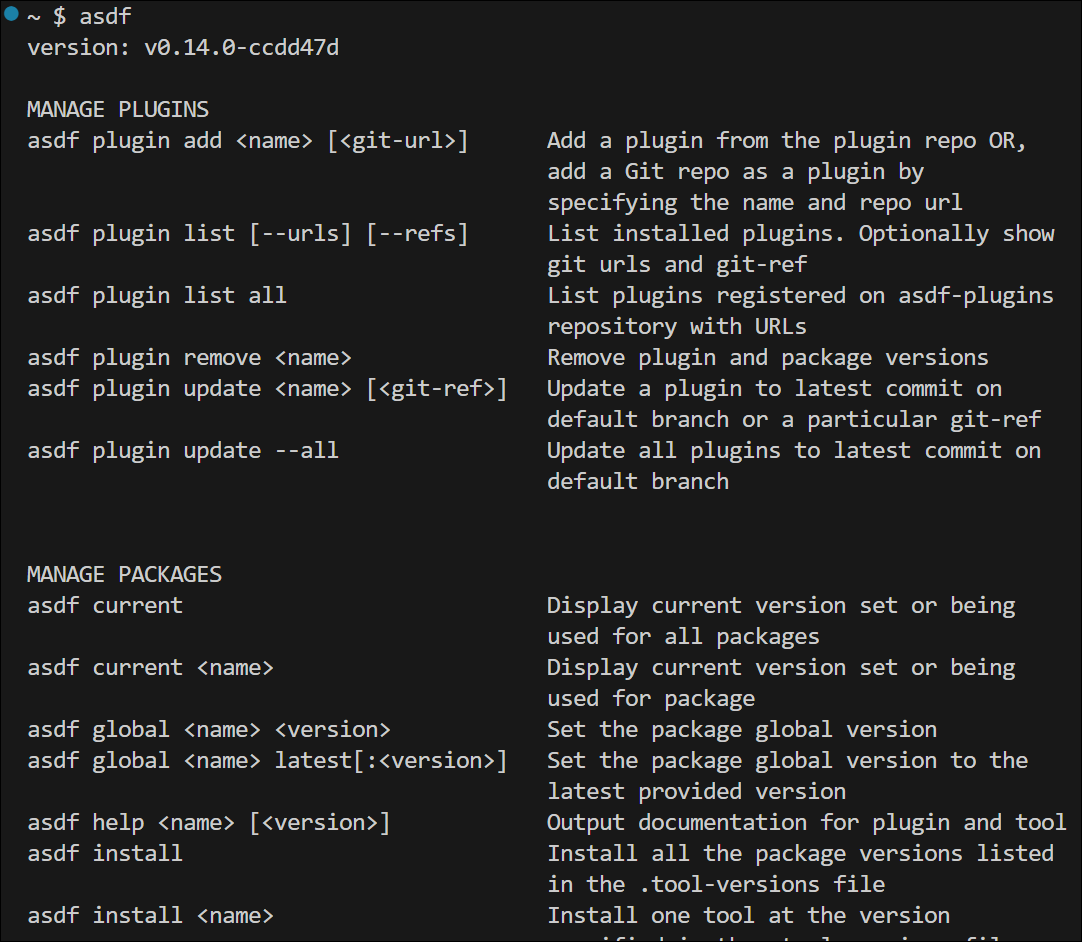
Now run initialize the plugin repository
$ asdf plugin add kubelogin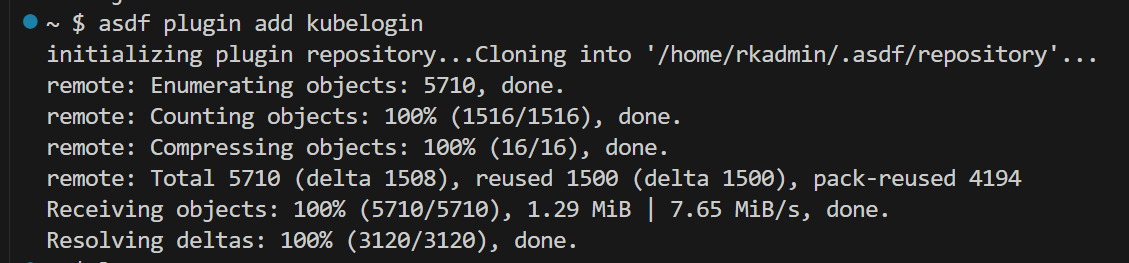
$ asdf global kubelogin latest
$ kubelogin
You can see the convert-kubeconfig subcommand is supported

Since I had previously ran az login –use-device-code, I run the following command to login with the azure cli credential
$ kubelogin convert-kubeconfig -l azurecli
Now I am authenticated to run kubectl commands inspect workloads.

Voila!
 Roy Kim on Azure and AI