I have been trying out the Azure Verified Module avm-res-storage-storageaccount.
- module’s repo: https://github.com/Azure/terraform-azurerm-avm-res-storage-storageaccount/tree/main
- Hashicorp Terraform Registry: https://registry.terraform.io/modules/Azure/avm-res-storage-storageaccount/azurerm/latest?tab=inputs
I like show some simple networking scenarios in the Firewalls and Virtual networks configuration in terms of this modules parameters. This configuration is found at
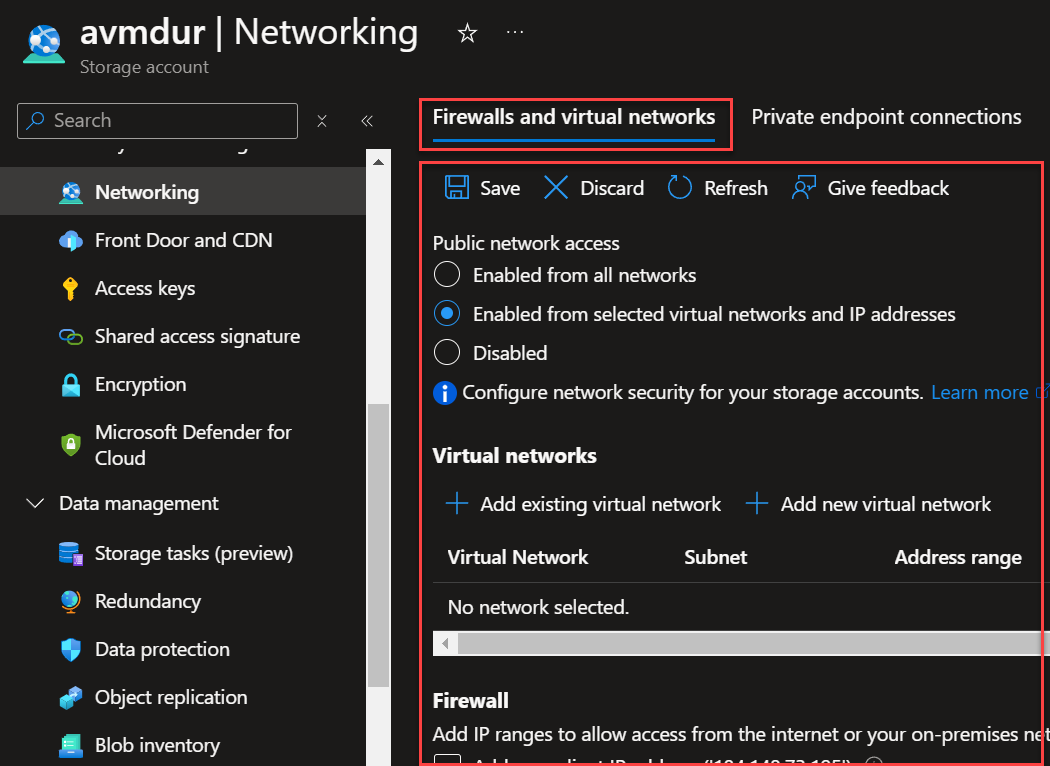
The module input parameters to discuss are the following:
public_network_access_enabled bool
Description: (Optional) Whether the public network access is enabled? Defaults to `false`.
Default: false
network_rules
variable "network_rules" {
  type = object({
    bypass                     = optional(set(string), ["AzureServices"])
    default_action             = optional(string, "Deny")
    ip_rules                   = optional(set(string), [])
    virtual_network_subnet_ids = optional(set(string), [])
    private_link_access = optional(list(object({
      endpoint_resource_id = string
      endpoint_tenant_id   = optional(string)
    })))
    timeouts = optional(object({
      create = optional(string)
      delete = optional(string)
      read   = optional(string)
      update = optional(string)
    }))
  })
  default = {}
Description: > Note the default value for this variable will block all public access to the storage account. If you want to disable all network rules, set this value to null.
bypass– (Optional) Specifies whether traffic is bypassed for Logging/Metrics/AzureServices. Valid options are any combination ofLogging,Metrics,AzureServices, orNone.default_action– (Required) Specifies the default action of allow or deny when no other rules match. Valid options areDenyorAllow.ip_rules– (Optional) List of public IP or IP ranges in CIDR Format. Only IPv4 addresses are allowed. Private IP address ranges (as defined in RFC 1918) are not allowed.storage_account_id– (Required) Specifies the ID of the storage account. Changing this forces a new resource to be created.virtual_network_subnet_ids– (Optional) A list of virtual network subnet ids to secure the storage account.
You can find my terraform storage account code at https://github.com/RoyKimYYZ/az-terraform-cicd/tree/main/avm-storage-account-tf. Look at the .tfvars files.
Scenario 1: AVM Storage account default values
public_network_access = false
network_rules = {}
Testing the network access from my computer over the internet yields:

Click the storage blob conatiner
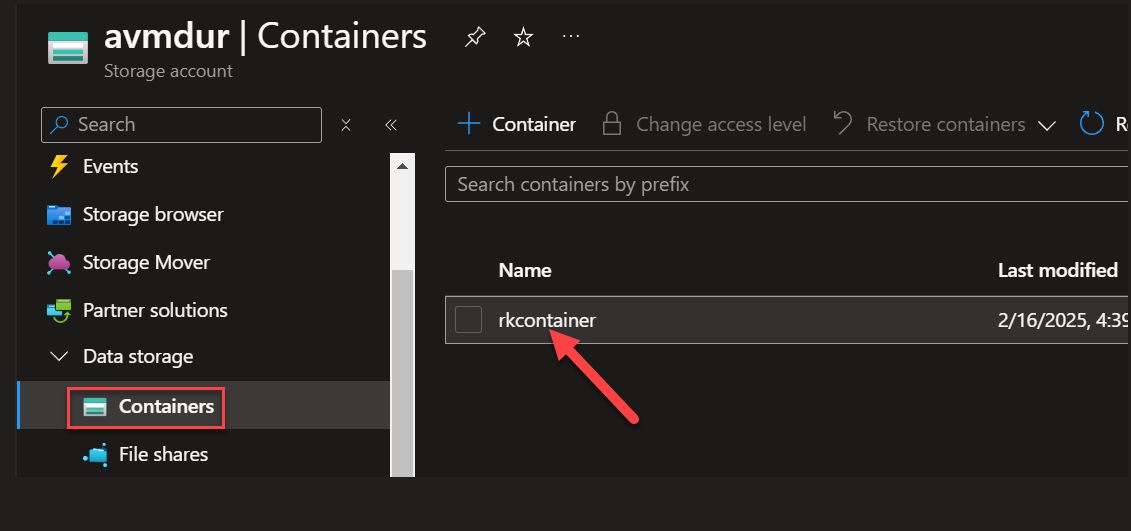
I get a network access error.
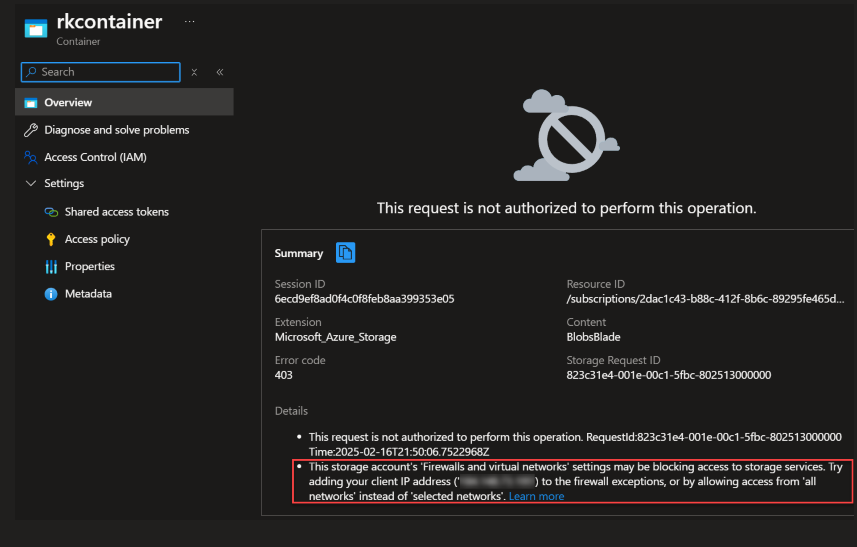
Let’s try to set the public_network access property to true and see what happens
Scenario 2: Allow public network access true but no network rules
public_network_access = true
network_rules = {}
This results to
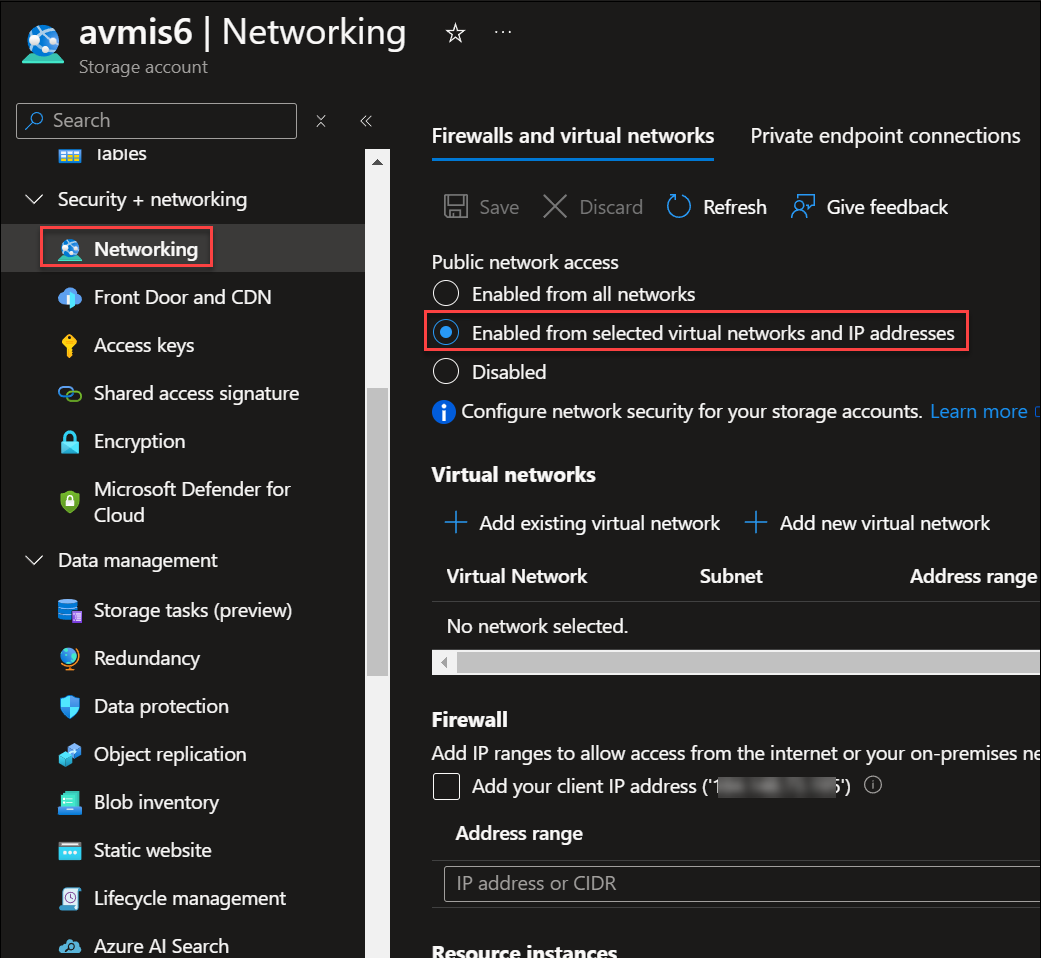
Since there are no network rules, there are no rules to allow access. Otherwise, all network access is denied.
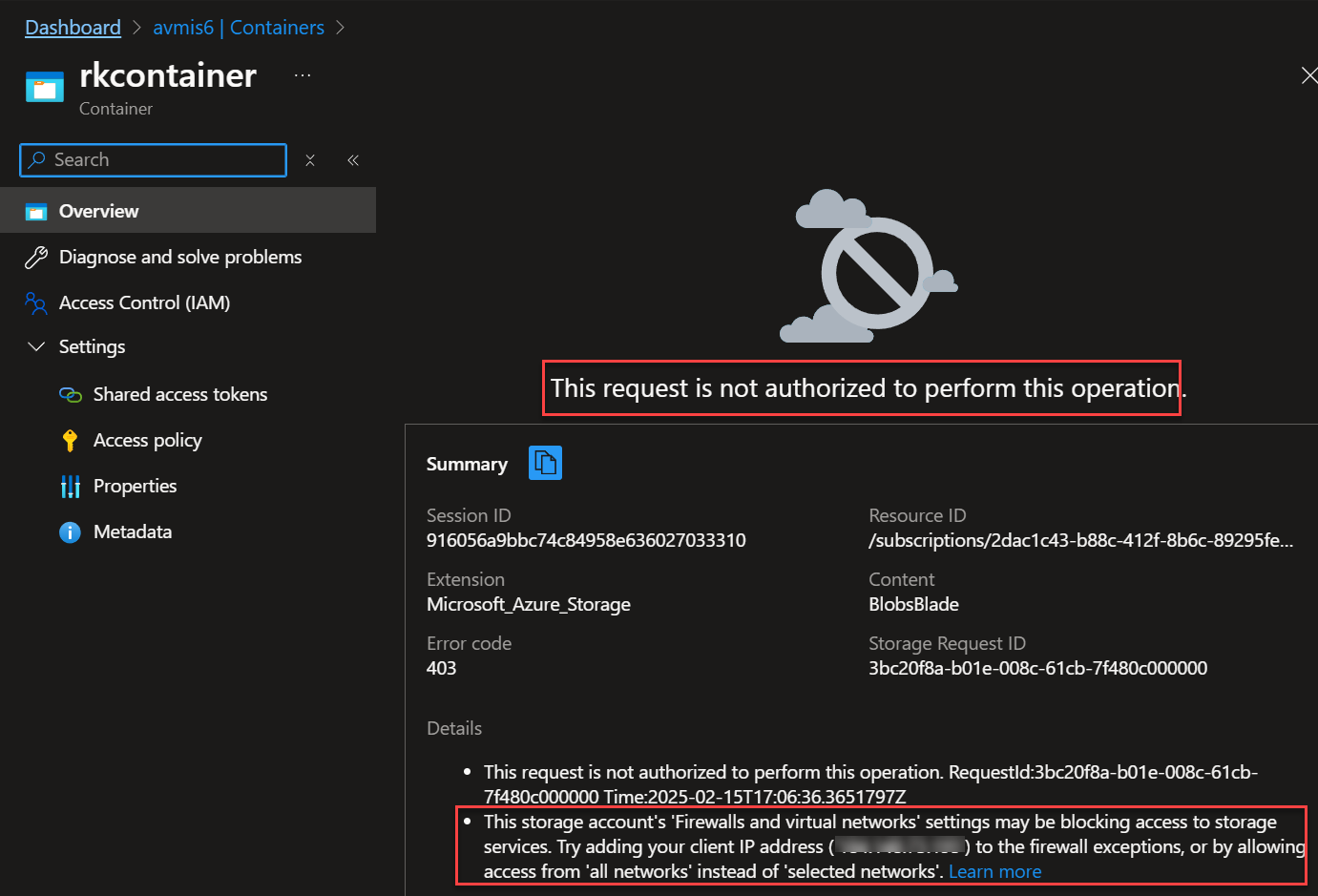
The error messages points out one way to allow access is to add a firewall network rule to allow my client IP address.
Scenario 3: Allow public network access and set a network rule default action
public_network_access_enabled = true
network_rules = {
    default_action = "Allow"
 }
OR
public_network_access_enabled = true
network_rules = null # default {}
This results to allowing access.

Click into the blob container.

I am now able to access and upload a file.

Scenario 4: Allow public access but restrict to my public IP with a net work rule
public_network_access_enabled = true
network_rules = {
    default_action = "Deny"
    ip_rules = ["184.{redacted}"]
}
This results to:
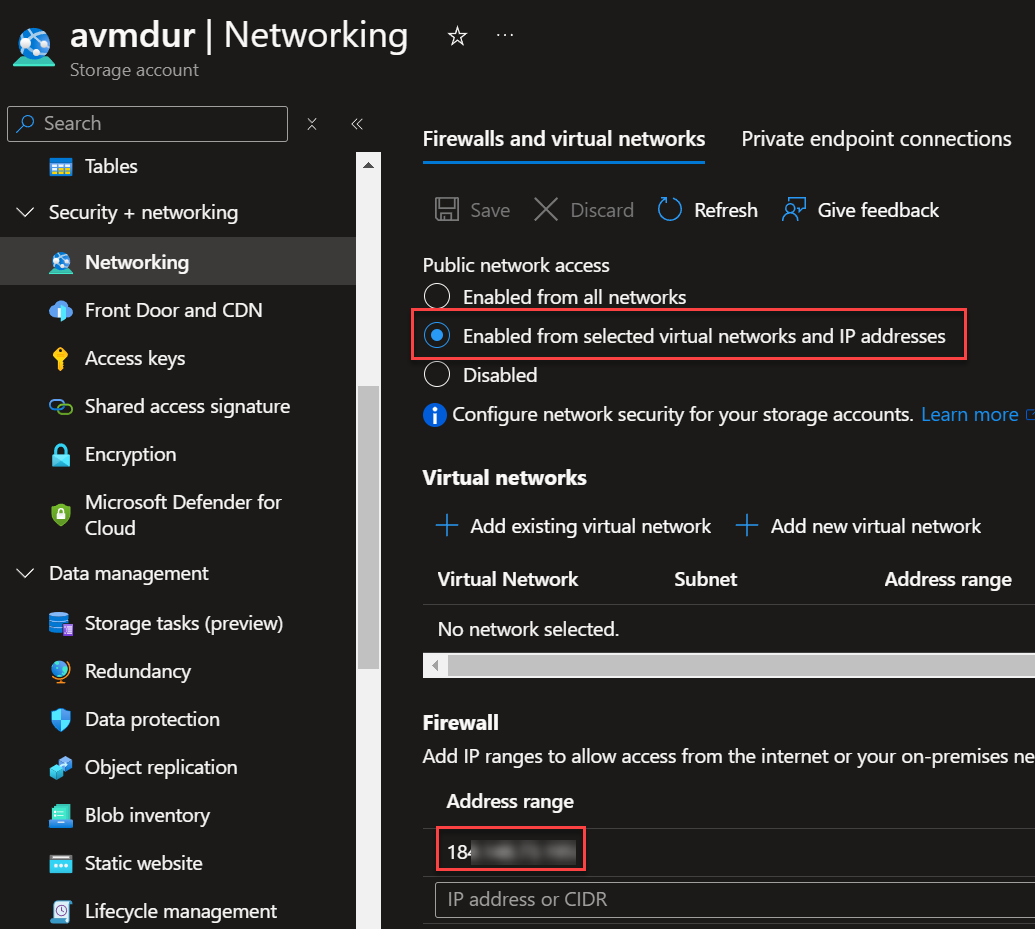
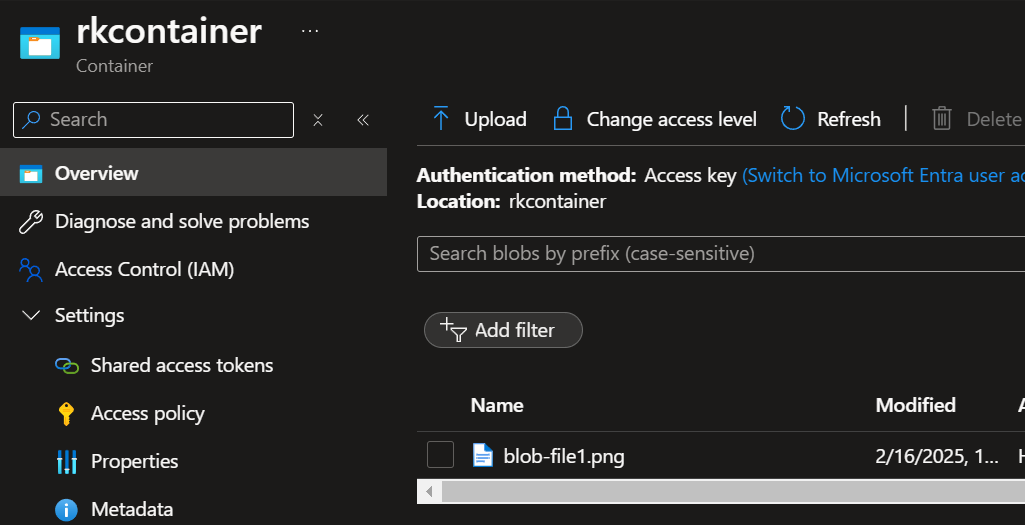
You can further configure the network_rules variable to include other rules such as allowing virtual network subnets and more.
Conclusion
When working terraform modules, not every module input parameter maps clearly to settings found in the Azure Portal and also an input parameter may be dependent on a certain value of a another input parameter. What I have just showed is that network_rules is dependent on public_network_access to be true. And network_rules is basically the configuration settings that appears under Firewall and virtual network tab. Hope this helps to navigate the subtleties and nuances in working with the Azure Verified Modules.
 Roy Kim on Azure and AI